- Top AI Background Remover Apps Compared
- 1. Adobe Express (Best Free & Unlimited Option)
- 2. Photoroom (Best for E-Commerce)
- 3. remove.bg (Best for High-Resolution Accuracy)
- 4. Canva (Best for Design Workflows)
- 5. Magic Eraser (Best All-in-One iOS Editor)
- 6. Pixelcut & AI Ease (Best Quick Cutout Alternatives)
- 7. Erase.bg & Slazzer (Solid Mobile Choices)
- What to Look For in a Background Removal Tool
- Skip the Cutout Process Entirely with Oven AI
- The Verdict
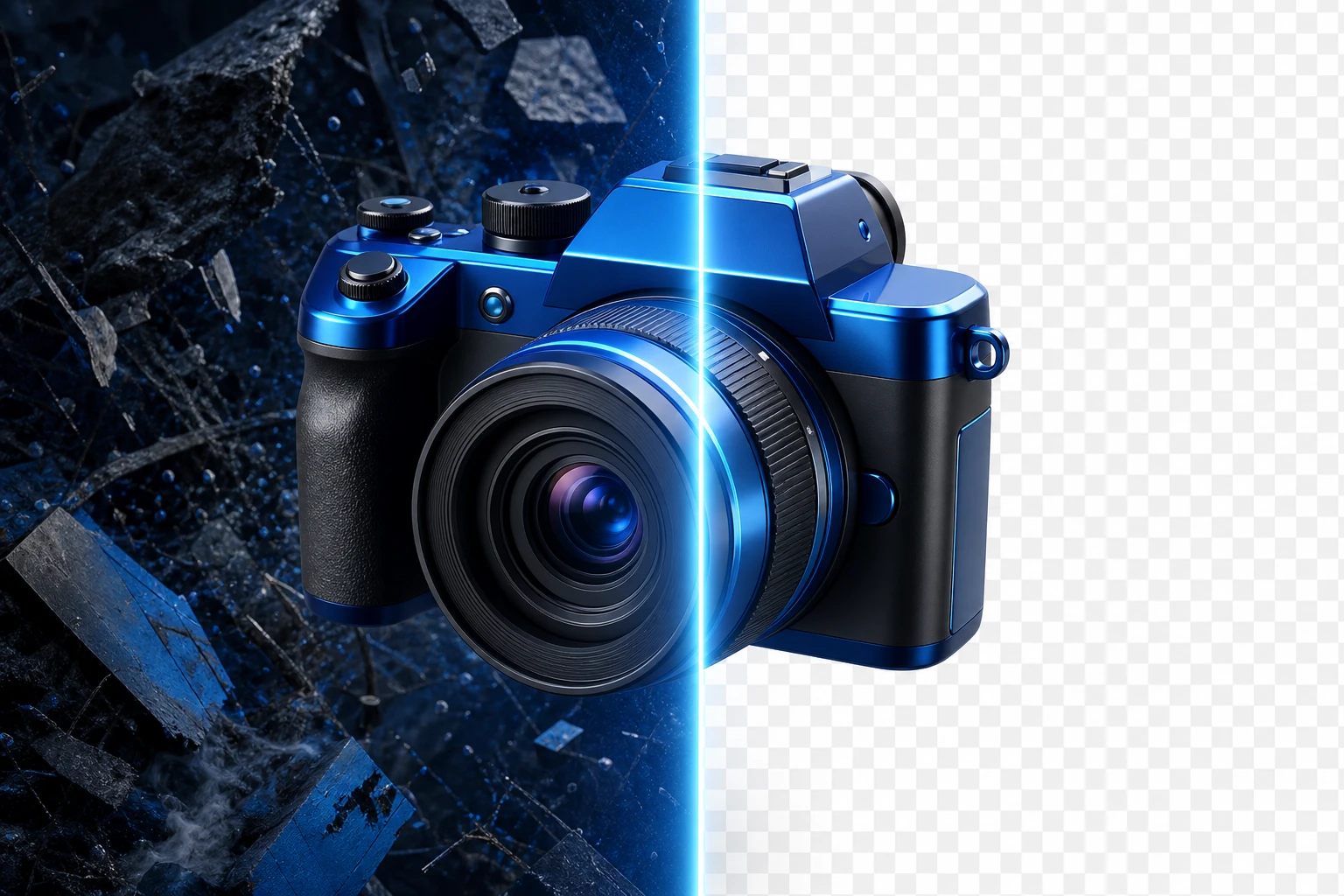
Background removal used to mean an hour in Photoshop with a tablet pen. In 2026, it takes one tap.
Whether you are an e-commerce seller prepping product catalogs, a designer crafting social media graphics, or a casual creator, background removal is one of the most common image editing tasks you will face. The market is flooded with tools, but teams and professionals need repeatable foreground cutouts with controlled edge quality.
We’ve analyzed the top background removers to see which ones actually deliver high-quality results, and which ones fall apart under real-world testing due to sneaky limitations like hidden paywalls, forced signups, or ruined resolution.
Here are the best background remover apps for Android and iOS in 2026.
Top AI Background Remover Apps Compared
1. Adobe Express (Best Free & Unlimited Option)
Adobe Express has emerged as a dominant force in mobile photo editing. Backed by Adobe Firefly AI, it is the only mainstream app in 2026 that allows you to remove backgrounds unlimited times on the free tier without stamping a watermark on the output. When tested side-by-side against competitors, Adobe Express consistently delivers pro-level mask quality. It excels at complex edge detection, cleanly separating stray hair and pet fur from the background without leaving jagged, pixelated halos.
2. Photoroom (Best for E-Commerce)
If you are processing product photos, Photoroom is widely considered the best-in-class app for e-commerce sellers. It excels at creating flawless e-commerce shots and car listings, offering reliable transparency exports that marketing teams need for fast, consistent cutouts.
3. remove.bg (Best for High-Resolution Accuracy)
As one of the oldest and most recognized AI background removal tools, remains an industry staple. It is 100% automatic and free, making it incredibly easy to cut out a picture and isolate the background with incredible accuracy. It is highly accurate even at high resolutions and handles tricky transparent elements—like glass bottles or wispy flyaways—better than most free alternatives.
4. Canva (Best for Design Workflows)
Canva is a powerhouse for designers needing fast cutouts for marketing graphics and templates. While its background remover requires a Pro subscription, it offers reliable edge detection for simple subjects and integrates seamlessly into a broader design workflow, outputting transparent PNGs instantly.
5. Magic Eraser (Best All-in-One iOS Editor)
For iPhone users, Magic Eraser is a top-tier choice. It combines 8 AI-powered tools into a single, intuitive iOS app, handling everything from background removal and object removal to AI enhancement and AI fill. It’s the perfect simple solution for creators who want multiple editing features in one place.
6. Pixelcut & AI Ease (Best Quick Cutout Alternatives)
When evaluating tools on both complex and simple images, Pixelcut and AI Ease stand out as highly usable apps that survive real-world testing. Both are excellent alternatives for quick social and marketing cutouts where you need reliable transparent PNG exports.
7. Erase.bg & Slazzer (Solid Mobile Choices)
If you just want to clean up your image’s background within seconds with minimal effort, Erase.bg is a highly recommended mobile app. Similarly, Slazzer is a great automated tool available on both iOS and Android that supports multiple image formats.
What to Look For in a Background Removal Tool
When choosing an app, you may be tempted by flashy marketing, but you should focus on baseline performance and measurable output signals. Here is what actually matters in 2026:
- Mask Quality on Complex Subjects: The difference between a good tool and a bad one is how it handles hair, fur, and glass. A pro tool will maintain edge accuracy on these difficult textures without cutting off essential details.
- No Sneaky Limitations: Don't settle for apps that promise free editing but lock your transparent PNGs behind a paywall or downgrade your image resolution. Look for apps like Adobe Express that offer genuine free tiers.
- AI Background Generation: Modern apps do more than just leave a transparent background. The new standard allows you to instantly create custom backdrops without needing to write a complex prompt. In the best apps, simply typing a prompt like "sunset beach" generates an entirely new photorealistic background behind your subject.
Skip the Cutout Process Entirely with Oven AI
For product teams and digital designers, the best way to handle background removal may be to skip the photo editing process entirely. Instead of wrestling with edge detection on complex images, you can generate studio-grade 3D icons directly in Oven AI.
These 3D assets come with auto background removal built-in, exporting as transparent PNGs or WEBPs by default. It’s a smooth way to get high-quality, transparent visual assets for your UI or marketing materials without ever having to touch a traditional background remover tool.
The Verdict
While desktop software like Photoshop remains the gold standard for complex, manual compositing, you no longer need to be tied to a computer to get professional results.
Instead of asking what the single best app is, you should focus on what is the best background removal tool for your specific workflow and constraints. If you need unlimited free cutouts, go with Adobe Express. If you are running an online store, Photoroom is your best bet. And if you need a reliable, high-resolution API for bulk processing, remove.bg is still the undisputed king.