설치 없는 원탭 배경 제거 웹(one tap background remover web): 실무에서 진짜 통하는 툴 비교
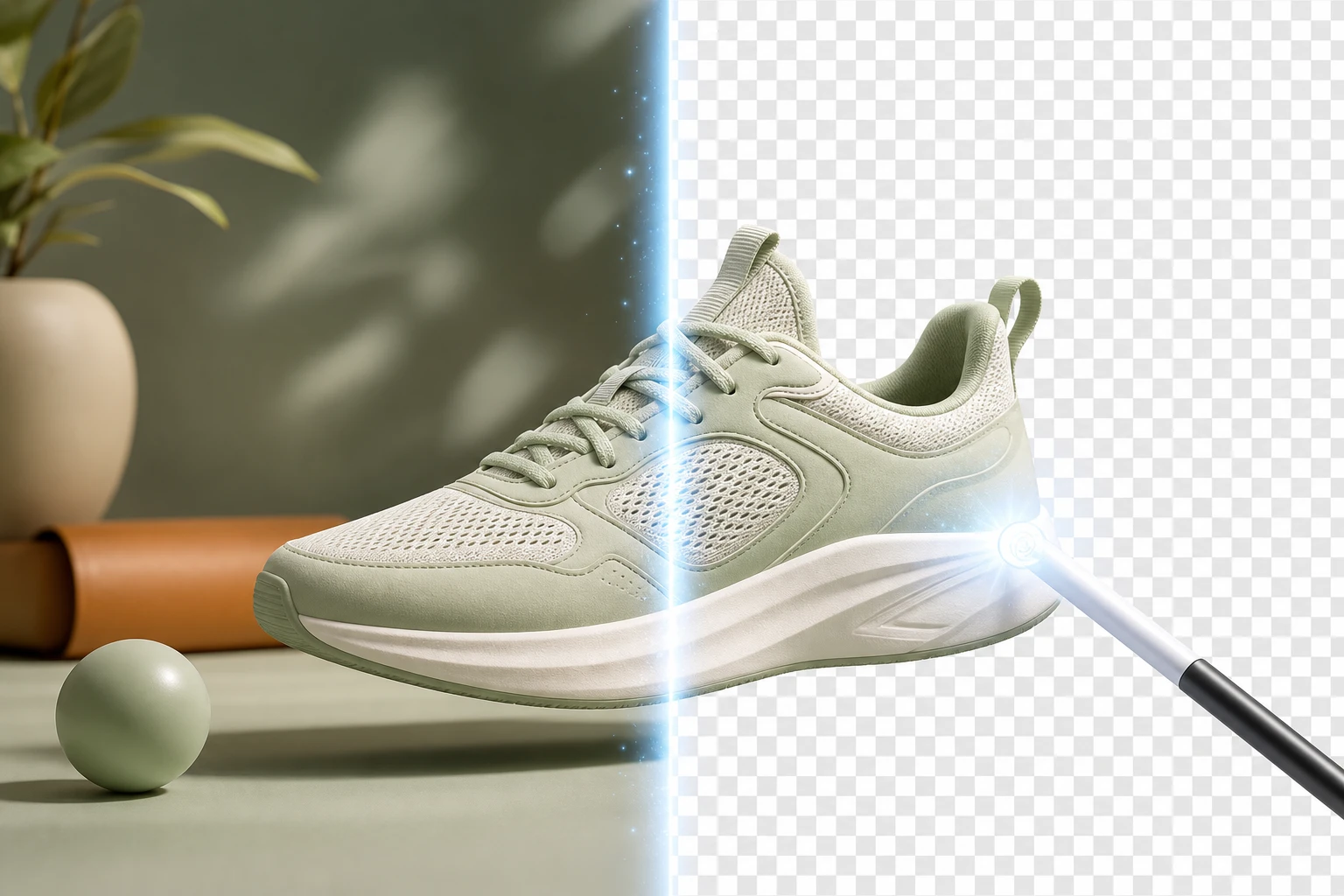
I have a product photo with a messy background, but I need a clean transparent cutout for marketing purposes and social media content youtube.com. Sound familiar? High-quality visual assets are critical for e-commerce and brand identity. Instead of wrestling with complex software, modern creators are turning to browser-based AI tools.
But how well do these free online tools actually perform when pushed to their limits? We set up an experiment to test the most popular web-based background removers against complex edges, strict resolution limits, and export formats. If you are searching for the ultimate workflow, you can also check out our comprehensive guide on finding the best auto background remover app.
Here are the results of our hands-on test.
Experiment 1: The Complex Edge Test (Hair, Glass, and Shadows)
For our first test, we evaluated how these tools handle the hardest parts of any photo: hair strands, pet fur, and glass with light passing through. Most standard background removers flatten and smooth away these tricky edges, resulting in an artificial, "cut-out" look imagine.art.
The Results:
- Pixel-by-Pixel Mapping: Tools like ImagineArt excelled in this test. Instead of applying a generic smoothing effect, its AI maps every edge pixel by pixel, automatically separating the subject without requiring any manual lasso selection.
- Shadow Retention: Surprisingly, the built-in Windows background remover (which requires no app installation and works offline) performed exceptionally well with shadows. When we tested a photo of a book, it successfully removed the background while keeping the shadow cast by the object. It maintained transparency underneath the shadow, allowing us to overlay it naturally onto a new white or custom color background.
Try this in Oven AI: Struggling with jagged edges on your product visuals? Use Oven AI’s 3D icon generation and auto background removal pipeline. Simply type your prompt to generate a stunning 3D icon, and our pipeline automatically strips the background with pixel-perfect precision, giving you a drop-in ready asset instantly.
Experiment 2: Resolution Limits and Export Formats (PNG vs. WEBP)
A clean edge means nothing if the final image quality is ruined by heavy compression. For our second test, we analyzed the resolution limits and download formats of free web tiers.
The Results:
- High-Resolution PNGs: Many free tools compress your image severely. However, PhotoGrid proved capable of outputting 4K UltraHD resolution without a watermark. Similarly, JukeboxPrint features built-in 4x upscaling, allowing you to download a high-resolution transparent PNG at up to four times the original size without losing quality.
- The WEBP Gap: While downloading a transparent PNG is the standard across almost every online editor, we found a significant gap regarding WEBP support. Most free web tools do not natively support exporting in the highly optimized WEBP format, forcing marketers to use secondary tools to convert their images for faster website loading speeds.
Try this in Oven AI: Don't let free-tier resolution limits ruin your website's performance. Generate your assets in Oven AI, where our auto background remover pipeline ensures you get maximum quality. Export your drop-in ready graphics directly without worrying about hidden compression algorithms.
The Real Cost: Subscription Bloat vs. Pay-As-You-Go
During our experiment, a glaring issue emerged: the trap of subscription bloat. While many platforms advertise a free one-tap background remover, they lock essential features—like batch editing, high-resolution downloads, and advanced photo editor tools—behind expensive monthly subscriptions.
If you are a solopreneur or a small team, paying $15 to $30 a month for a tool you might only use a few times a week is a massive waste of resources. The industry desperately needs a shift toward a Pay-as-you-go model. With a pay-as-you-go system, you only pay for the exact compute power you use to process an image. No recurring fees, no locked features, and no subscription bloat.
Try this in Oven AI: Stop paying for monthly subscriptions you don't fully use. Oven AI operates on a fair, pay-as-you-go model. You can leverage our powerful 3D icon generation and background removal pipeline to create exactly what you need, paying only for the specific assets you generate and download.
Conclusion: Build a Better Visual Pipeline
Our experiment proves that while browser-based AI tools can handle complex edges and output decent PNG files, the traditional SaaS landscape is riddled with resolution paywalls and subscription traps. To truly speed up your workflow, you need a tool designed for instant, high-quality output.
Your Actionable Next Step: Open Oven AI right now. Select the 3D icon generator, type in your product or concept, and let the auto background removal pipeline do the heavy lifting. Download your high-resolution, drop-in ready asset on a pay-as-you-go basis, and permanently eliminate subscription bloat from your workflow.
Background Remover FAQ
How does an AI background remover work? Upon uploading an image, the AI detects and isolates the main subject (a product, person, or object), separating it from the foreground before erasing the background entirely.
Can I remove a background without signing up? Yes, several web tools allow you to remove backgrounds directly in your browser without registration. For example, processes images in 5-10 seconds for free without requiring an account.
Can I add a new background color after removing the old one? Absolutely. Once the image is transparent, you can use a photo editor to add solid colors (like white or pastels), gradients, or even blur the background to keep your subject in focus.
If this is the kind of work you're shipping, that's the gap we built Oven AI to close — open it the next time you hit this wall.