Venngage AI 3D Icon Generator vs Oven AI: Which Builds Better UI Assets?
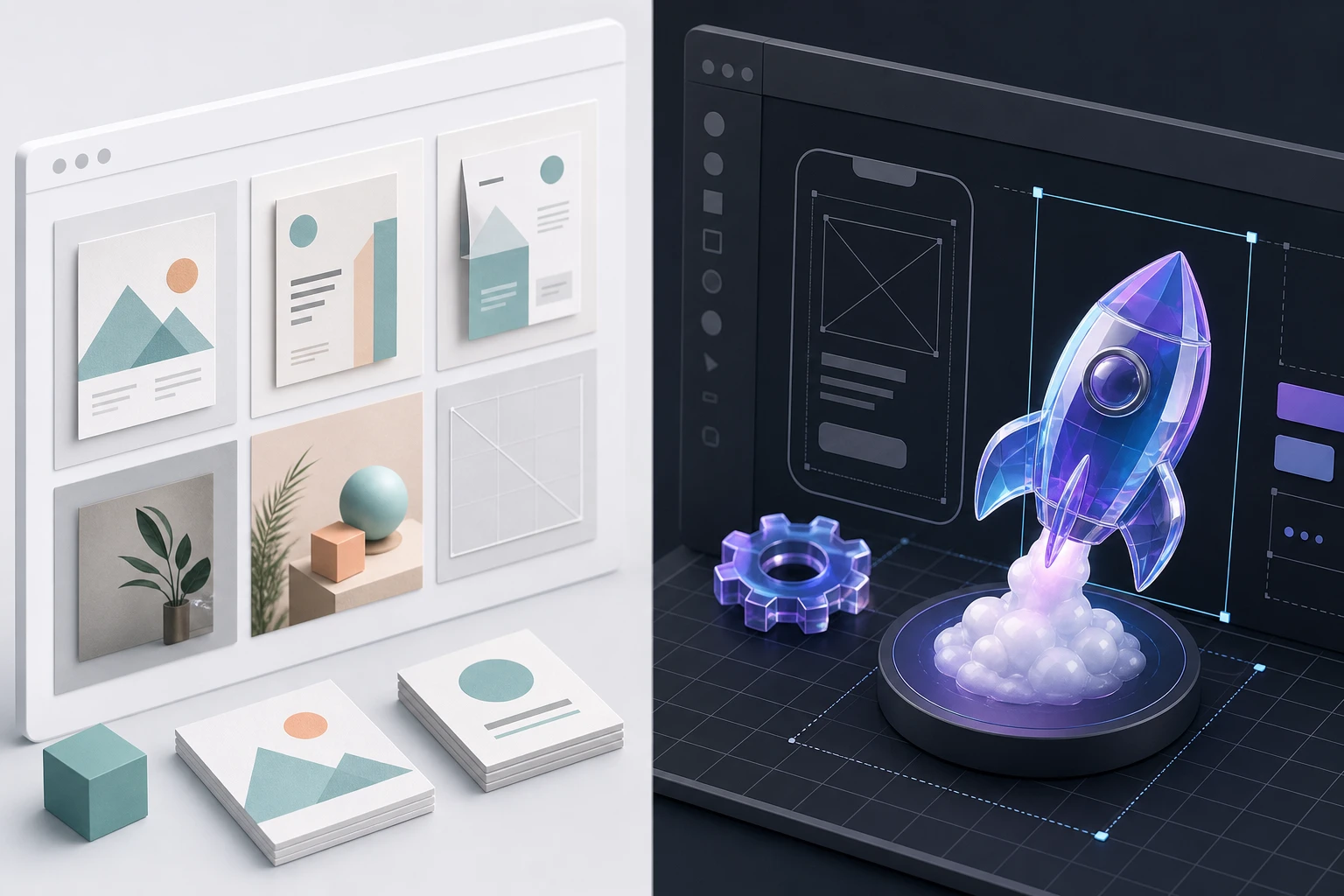
Flat design has its place, but sometimes your project needs the depth, texture, and bold impact that only 3D can provide.
If you want to lift your visual content, turning flat concepts into eye-catching icons is a surefire way to grab attention. Historically, creating 3D assets required complex design software and specialized skills. Today, AI generators promise to instantly create high-quality 3D icons with perfect depth, lighting, and texture—no design tools or downloads needed.
But not all AI design generators are built for the same user. To find out which tool actually delivers for professional workflows, we ran an experiment comparing the AI 3D Icon Generator from Venngage against our own engine at Oven AI. Here is a side-by-side breakdown of how they stack up for UI/UX designers and product teams.
Test 1: Workflow & Ecosystem (Templates vs. Figma)
The first test of any design tool is how easily it fits into your existing workflow.
Venngage is fundamentally an accessible design maker built around customizable templates and a drag-and-drop interface. It thrives as an infographic and presentation maker, making it a highly convenient tool for content marketers who need to quickly drop an icon into a slide deck, marketing one-pager, or social graphic.
Oven AI, however, is a purpose-built engine for UI/UX designers and founders needing real assets. Instead of forcing you into a standalone template ecosystem, Oven AI operates right where you already work via a dedicated Figma plugin. You don't have to leave your canvas to generate, refine, and implement studio-grade 3D assets.
Test 2: Generation Speed
When you are iterating on a landing page or product mockup, you can't afford to wait on slow rendering times.
Venngage notes that its tool lets you turn a simple prompt into bold, dimensional icons in seconds. In our testing, it certainly bypasses the steep learning curve of traditional 3D modeling.
However, Oven AI is engineered specifically for rapid iteration, clocking in at a blistering ~6-second turnaround. This near-instant generation speed ensures that product teams can test multiple concepts and variations without breaking their creative flow.
Test 3: Visual Consistency Across Sets
One of the biggest challenges with AI-generated visual content is maintaining strict consistency across an entire project.
By entering your concept into Venngage’s AI Icon Generator, the tool relies on a Brand Kit to automatically match your brand's colors, fonts, and overall style. This is great for basic brand alignment in reports or brochures.
But for UI design, matching a hex code isn't enough. You need identical lighting, material textures, and camera angles across dozens of icons. Oven AI solves this with Style Memory—a feature that locks in your specific visual parameters, ensuring that every subsequent icon you generate perfectly matches the rest of your set.
Test 4: Backgrounds & Export Formats
How a tool packages its final output dictates how useful the asset actually is.
Venngage allows you to download your designs as PNG, PDF, HTML, or PPT files. These formats are perfectly suited for inserting into websites, presentations, apps, or documents to create consistent business visuals.
Oven AI takes this a step further for technical deployment. Every asset generated in Oven AI comes with automatic background removal right out of the gate. More importantly, it offers true multi-format exports, including PNG, WEBP, and fully functional 3D GLB files. You aren't just getting a flat image of a 3D object; you are getting a lightweight, deployable asset ready for modern web and mobile builds.
Test 5: Pricing Models
Finally, we compared how both platforms charge for their services.
Like many traditional design platforms, Venngage leans into a subscription model, which can often lead to subscription bloat if you only need to generate high-quality 3D icons sporadically for specific projects.
Oven AI eliminates this friction with a "pay-as-you-bake" pricing model. You only pay for the assets you actually generate, making it a highly efficient, cost-effective choice for lean product teams and independent designers who want studio-grade outputs without the recurring monthly overhead.
The Verdict
If you are a marketer looking to quickly spin up basic infographics, slide decks, or reports using customizable templates, Venngage is a fantastic, accessible tool.
But if you are a UI/UX designer or founder who needs a dedicated Figma plugin, ~6-second generation speeds, exact visual consistency via Style Memory, and deployable GLB exports without the subscription bloat, Oven AI is the superior choice.
If this is the kind of work you're shipping, that's the gap we built Oven AI to close , open it the next time you hit this wall.
If this is the kind of work you're shipping, that's the gap we built Oven AI to close — open it the next time you hit this wall.